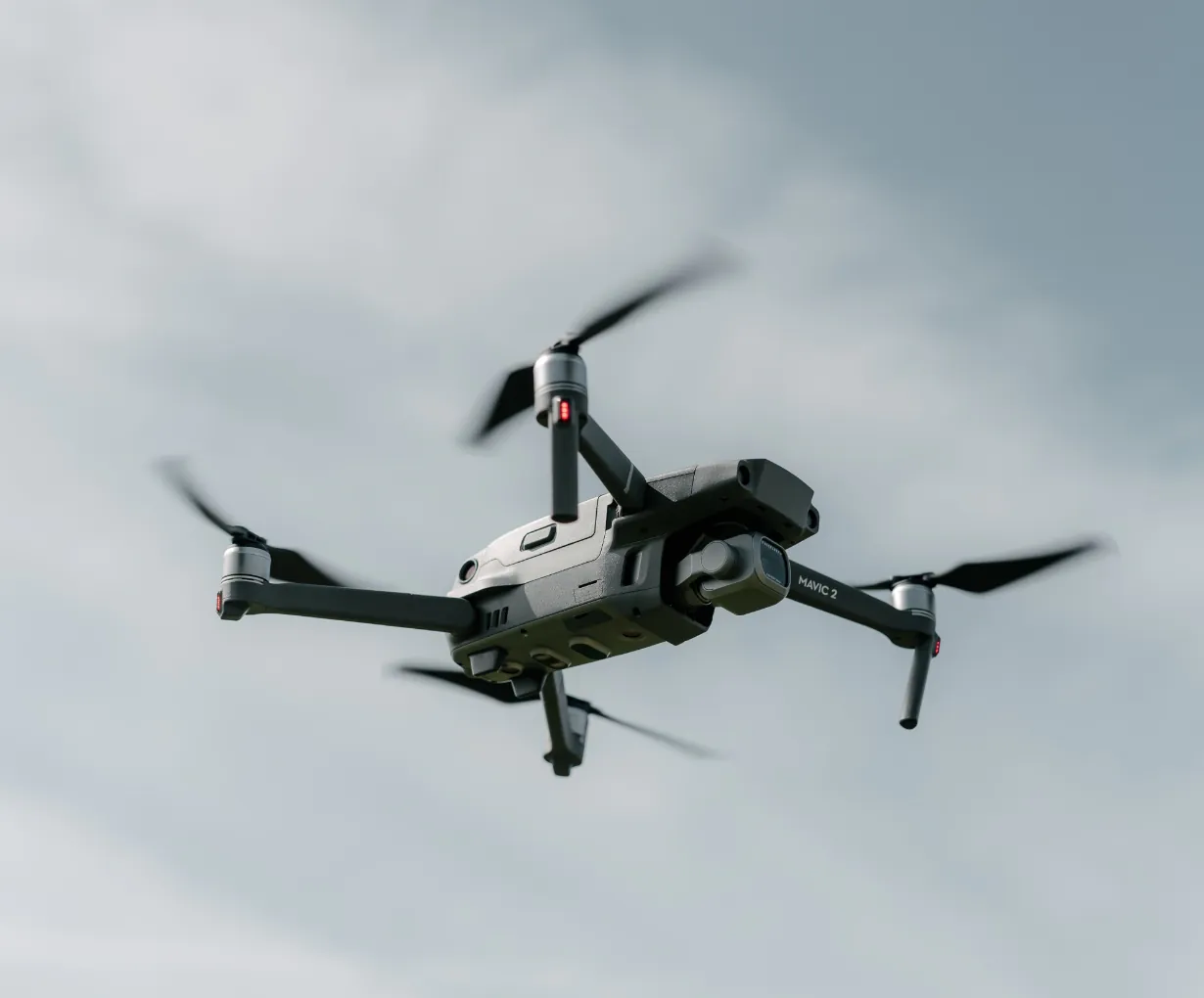

Learning to fly a DJI drone is a rewarding experience, whether you’re a new pilot or a seasoned pro. DJI’s user-friendly technology, from the DJI Fly app to the intelligent flight modes, makes getting started easier than ever. Here’s a step-by-step guide on how to safely use a DJI drone and master its features.
Pre-Flight Checklist: Getting Ready to Fly ✈️
Before your first flight, always perform a quick check to ensure a safe and successful experience.
- Charge Your Batteries: Make sure both the drone batteries (Intelligent Flight Battery) and the remote controller are fully charged. A low battery is a common cause of unexpected issues.
- Check Your Propellers: Inspect the propellers for any damage or cracks. Ensure they are securely attached to the motors.
- Find an Open Area: For your first flight, choose a spacious location free from trees, power lines, and other obstacles. A large, open field or an empty parking lot is ideal.
- Check for Flight Restrictions: Use the DJI Fly Safe database or a third-party app like B4UFLY to check for no-fly zones and temporary flight restrictions (TFRs) in your area. This is a crucial step for drone safety.
First Steps: From Takeoff to Landing 🚀
- Power On: Power on the remote controller first, then the drone. You’ll typically press the power button once, then press and hold it for a couple of seconds.
- Connect to the App: Launch the DJI Fly app on your smartphone or the built-in screen on your remote controller. The app will connect to your drone and provide a live camera view.
- Automatic Takeoff: Once the app says “Ready to Go (GPS),” you can use the automatic takeoff feature. Simply tap the takeoff button in the app, and the drone will ascend and hover safely.
- Mastering the Controls: The two control sticks are your primary interface.
- The left stick controls altitude (up/down) and yaw (turning the drone left/right).
- The right stick controls forward/backward movement and sideways movement (strafing).
- Start slowly. Practice hovering and gentle movements to get a feel for the controls.
- Understanding Flight Modes: DJI drones typically have different flight modes for various scenarios.
- Normal Mode: A balanced mode for everyday flying.
- Cine Mode: Slows down the drone’s movements for cinematic shots. Perfect for capturing smooth aerial video.
- Sport Mode: Unlocks the drone’s top speed, ideal for fast-paced maneuvers. Be aware that obstacle avoidance sensors may be disabled in this mode.
- Landing: When you’re ready to land, either use the automatic landing feature in the app or manually descend the drone by gently pulling down on the left control stick until it touches the ground. Hold the stick down until the motors turn off.
Advanced Tips and Features 📸
- Return to Home (RTH): This drone feature is a lifesaver. If the battery is low or you lose signal, the drone will automatically return to its takeoff point. Always set your Home Point at a safe location.
- Intelligent Flight Modes: Once you’re comfortable, explore features like QuickShots (pre-programmed cinematic flight paths), ActiveTrack (follow a subject), and MasterShots (creates a complete video with a series of complex maneuvers). These features are key to creating professional-looking drone content.
- Firmware Updates: Regularly check for firmware updates via the DJI Fly app or DJI Assistant 2 software. Updates often improve performance, add new features, and fix bugs.